One editor. Many career moments.
The same six templates and the same exports serve a first résumé, a change of field or a senior profile. What changes is what you put in each section: here is how to use the editor in each case.
A first résumé, without a previous one to copy.
A degree, two projects and a summer job are experience. The editor helps you present them as such, on one page.
Start from the template step.
Classic or Minimal keep a short résumé readable; the preview shows at once when a page is too empty or too full.
Projects and coursework are entries.
Add a project as an experience entry: a title, a date, two bullets on what you built and what it produced.
Keep it to one page.
Skills at the end, one line each; start each bullet with an action verb and a result.
Summary
Projects & internships
Projects
Education
Keywords
Translate years of experience into a new vocabulary.
Ten years of teaching, nursing or consulting are real work. The résumé only needs to speak the language of the field you are joining.
Lead with the summary.
Two sentences under your name that state the field you are joining and what you bring from the previous one.
Translate without overstating.
Name the skill as the new field calls it, and keep the fact behind it: what you did, for whom, with what result.
Reorder freely.
Move the most relevant experience up by drag and drop, or with the arrow keys from the handle.
Summary
Relevant experience
Transition projects
Education
Keywords
A document that states scope and results.
At director or VP level, the reader wants the scope you operated and the results you delivered, not a list of tasks.
A summary with a thesis.
A short opening paragraph on your operating scope: teams, budgets, markets, results.
Numbers at the right altitude.
Team size, revenue, growth, savings: one figure per bullet, and only those you can defend in an interview.
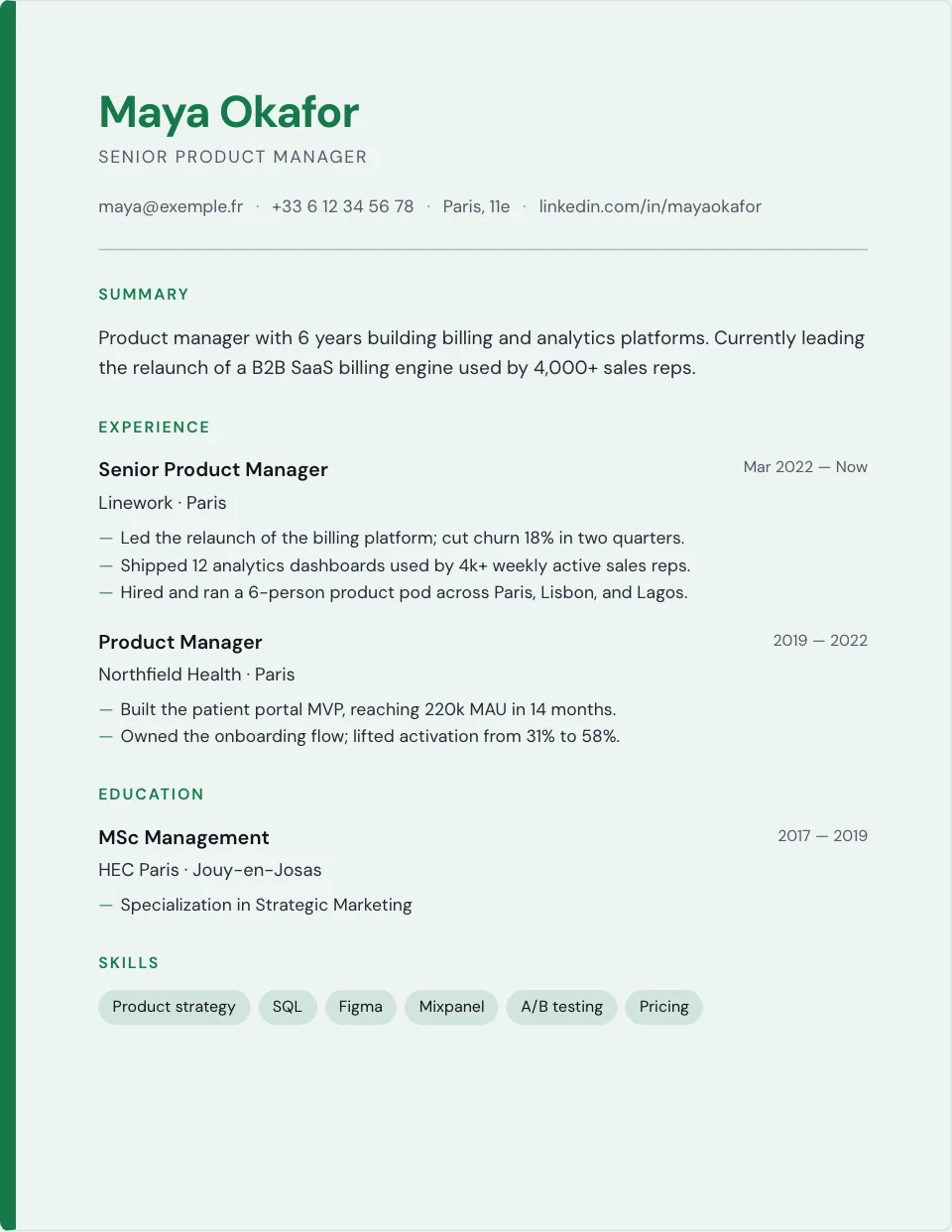
The Executive template.
A restrained layout with a strong header and an accent bar, exported as PDF from your browser.
Show the impact, not just the stack.
"Used React, Postgres and Kubernetes" says nothing. What you shipped, how it performed and what it cost is what a technical reader looks for.
Impact before stack.
What you shipped, how it performed, then the tools: keywords stay close to the results they served.
Keep the JSON export.
The structured file keeps your content for the next version, a backup or your own tooling.
A compact template.
Minimal or Classic keep a dense résumé readable on one page.
Summary
Experience
Projects
Education
Keywords
Apply across borders, in the right language.
A résumé for Montréal, Madrid or London follows different conventions. The editor sets the language of the document independently of the interface.
Choose the résumé language.
Eight variants: English (United States, United Kingdom), French (France, Canada), German, Spanish (Spain, Mexico) and Italian, each with its section titles and date formats.
One profile, several markets.
Save one résumé per market in your account: each one keeps its own language and wording.
Conventions differ.
Length, personal details and photos vary by country; the templates stay sober so that you decide what to include.
Stop reformatting in a word processor.
If you coach candidates or run a career service, BeauCV gives each of them a clean résumé on the same templates. Free for you, free for them.
One link to share.
Send candidates to BeauCV: no account is needed to start, and every template and export is included.
Consistent output.
Every résumé follows the same typographic system, so your reviews go faster.
Examples to point to.
The example library shows the structure expected for each job family, in five languages.
Whoever you are. Whatever you've done.
Choose a template, write what you did, export a clean document.