Everything that makes the resume work.
An editor that keeps you focused on the content, six templates typeset with care, exports produced in your browser, and a free account when you want to find your résumés again.
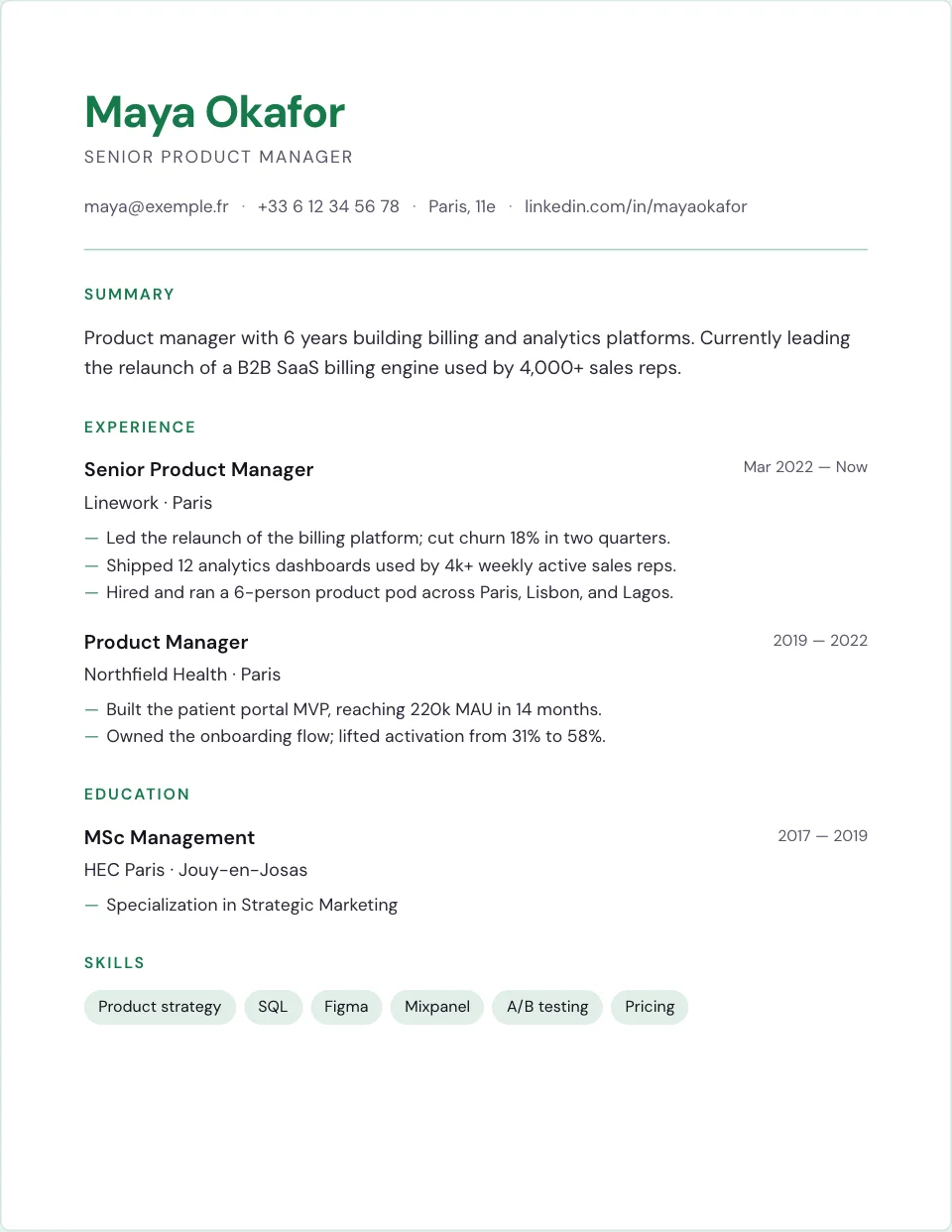
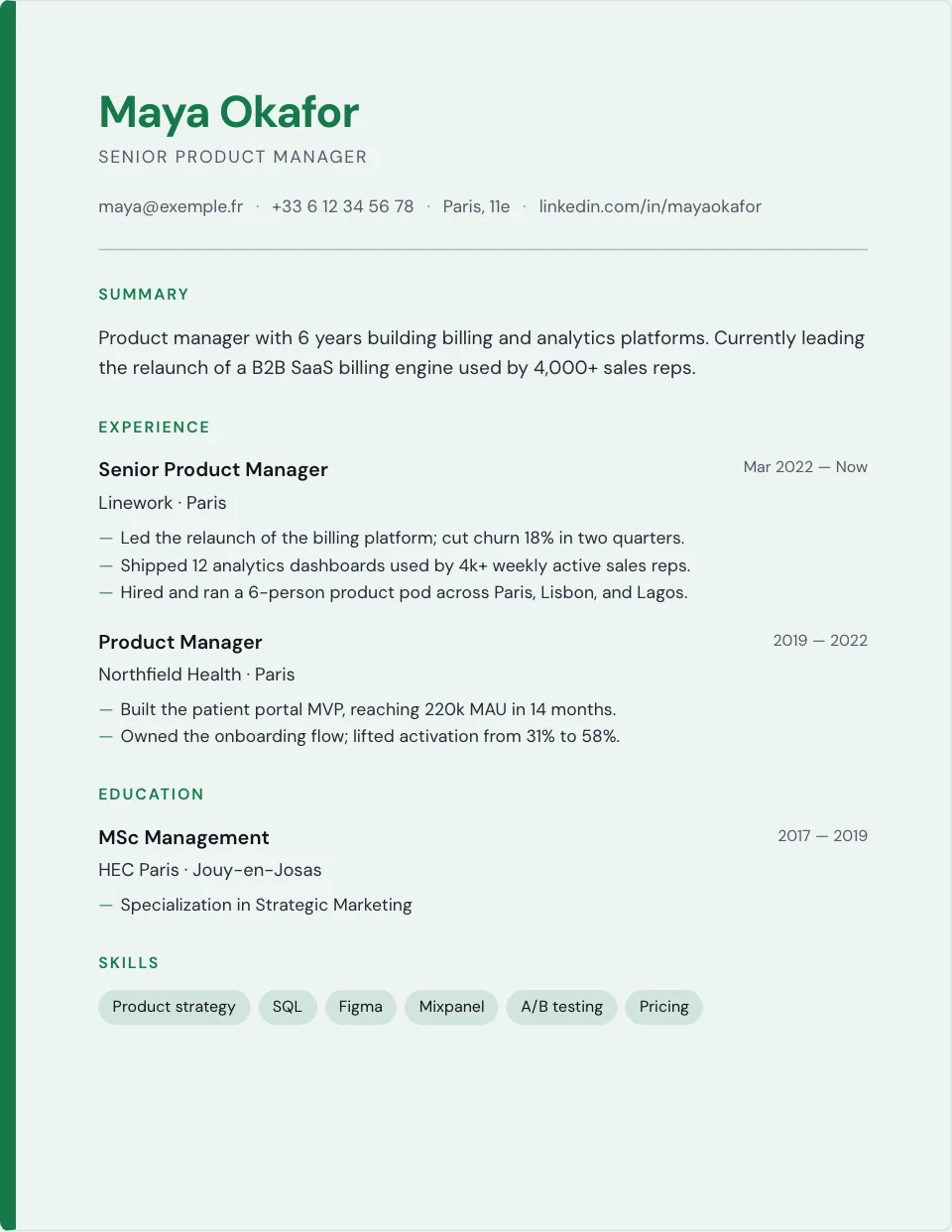
Six layouts, typeset with care.
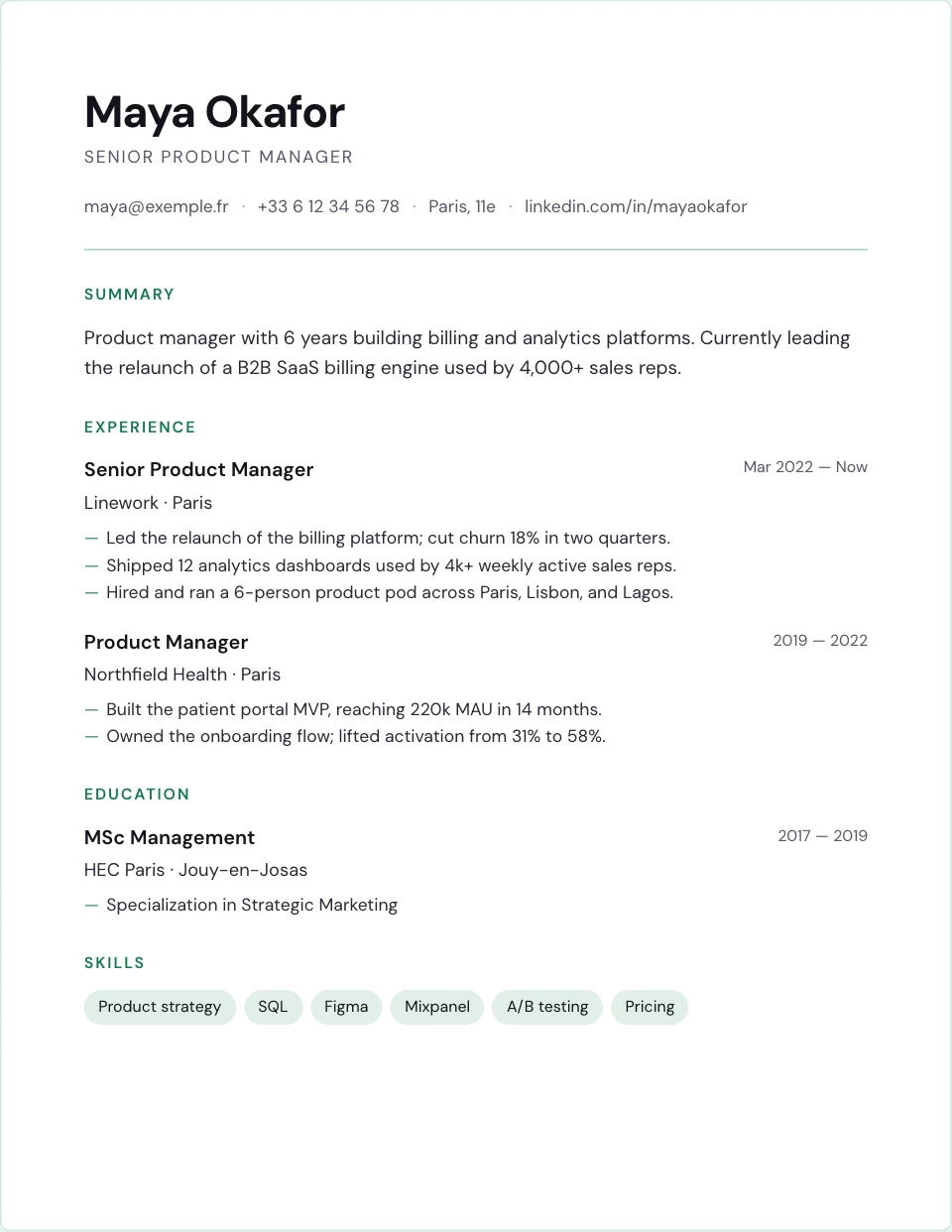
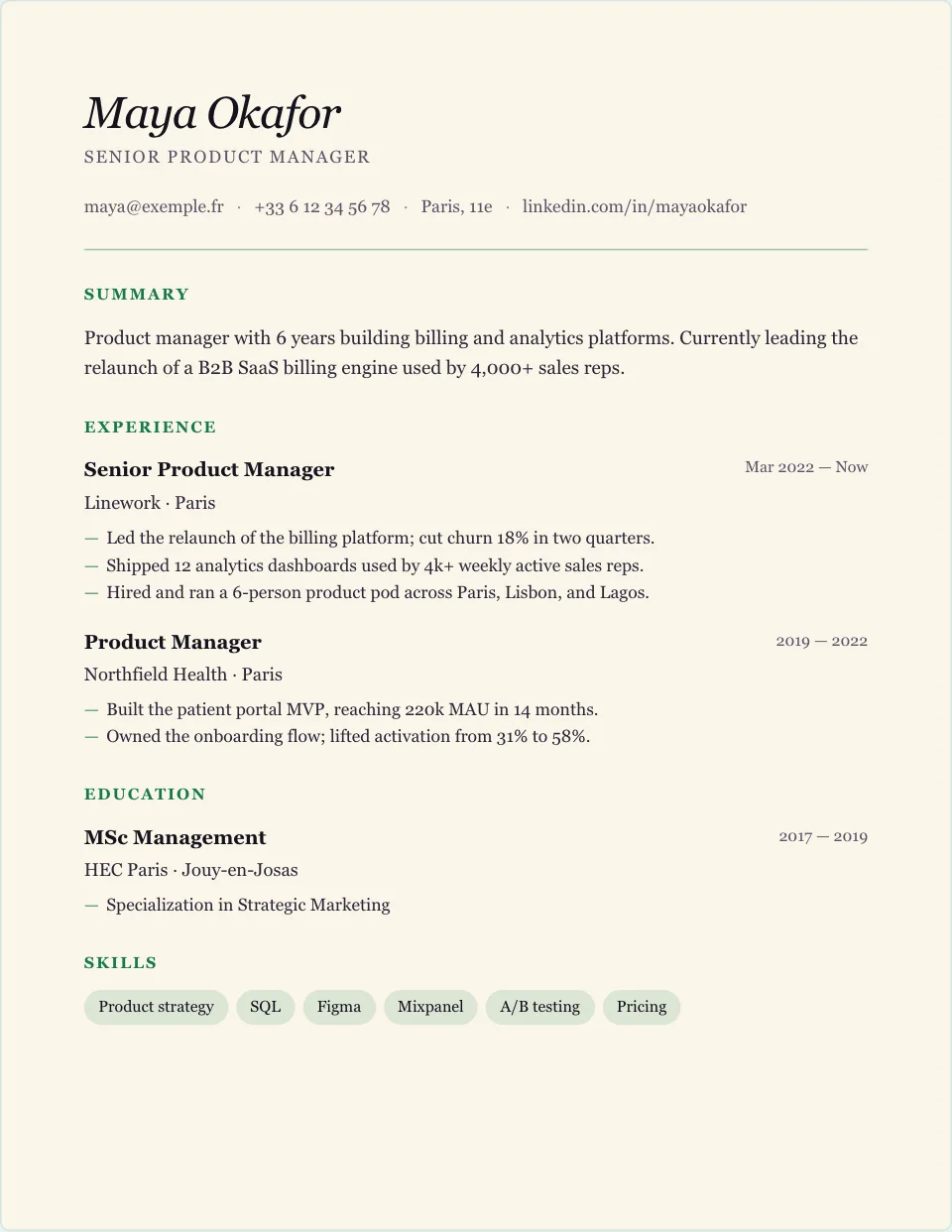
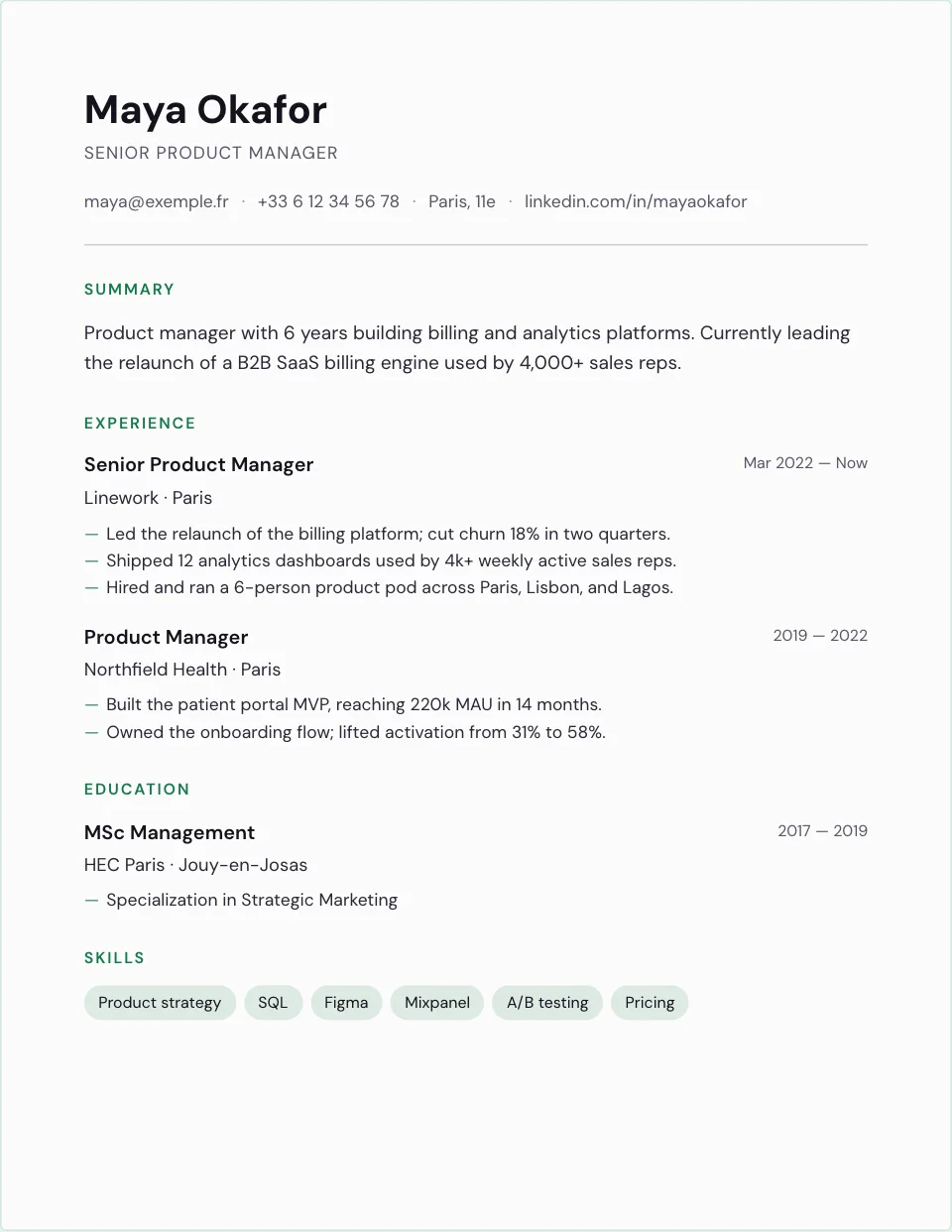
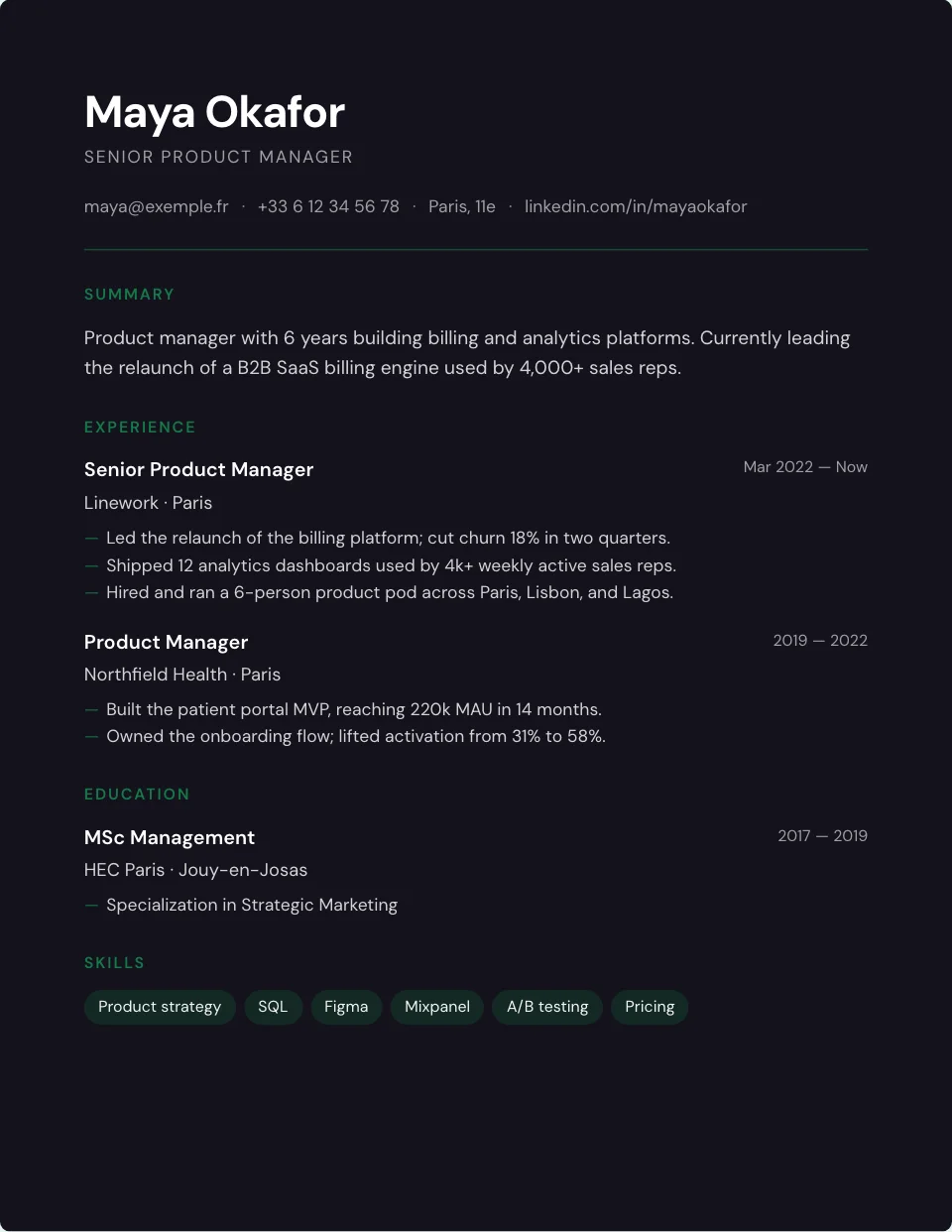
Classic, Editorial, Executive and three more. Every template uses a real type scale, a clear hierarchy and text that stays selectable, whatever the export.
- ✓Live preview while you edit
- ✓A curated palette of accent colours
- ✓Switch templates any time without re-entering anything
Five steps, one document.
Profile, experience, education, skills, then review. Each step is a plain form: every field has a label, entries can be reordered with the mouse or the keyboard, and the preview follows every change.
- ✓Reorder experience and education by drag and drop or with the arrow keys
- ✓A rewrite button that tightens a bullet with local writing rules
- ✓A draft kept in your browser between visits
// Rewrite · an English bullet
PDF, Word and JSON, from your browser.
The PDF is rendered on your device and ready to send. The Word document reopens in a word processor. The JSON file keeps the structured data of your résumé for a backup.
- ✓Nothing is uploaded to produce an export
- ✓The accent colour and the template are kept
- ✓Check each file before sending it
// Exports
Five interface languages, eight résumé variants.
Write the résumé in English (United States or United Kingdom), French (France or Canada), German, Spanish (Spain or Mexico) or Italian: section titles, date formats and wording follow the market you target.
- ✓Interface in English, French, German, Spanish and Italian
- ✓Résumé language independent of the interface language
- ✓Example résumés available in the five languages
// Résumé language
A free account, only if you want one.
Sign in with your email and a one-time code, without a password. Choose Save to account to keep the current résumé online; your account lists each saved copy with its date.
- ✓Up to 50 résumés per account
- ✓Optional two-factor authentication with an authenticator app
- ✓Delete a résumé or the whole account yourself
// Your saved résumés
Small features people notice.
Produced on your device.
The PDF is rendered by your browser, with the fonts and colours of the template.
A file you can edit.
A Word-compatible document for last-minute changes in a word processor.
Your data, structured.
Keep a backup of the content and settings of your résumé.
Easy on the eyes.
The site follows your system theme; the résumé itself keeps its own colours.
On your phone too.
Add BeauCV to your home screen; the draft is saved on your device as you type.
Reorder without the mouse.
Move experience and education entries with the arrow keys from the drag handle.
The honest answers.
Does my data get used for training?
No. Your résumé is stored in the European Union so that it follows you into your account, and nothing is sold, shared or used to train any system. Read the details in our privacy policy .
Can I import my existing resume?
Not yet. Paste your content section by section; the editor keeps the draft in your browser between visits.
Will recruiters know it was made with BeauCV?
No. The exports carry no watermark and no mention: it is your text, laid out with care.
Is BeauCV free?
Yes. Every template, editing feature and export is free for everyone.
Try every feature, free.
Build your first resume in a few minutes. Every template and export is free.